
Image Generator
Generate images from a text prompt. Choose your aspect ratio and quality — up to Pro, our best image model — run it, download the result. Credits debit on submit and auto-refund on failure.

- Before you start
- A sentence describing what you want to see.
- What you end up with
- One to four PNG images, optionally with the background already cut out.
Step by step
-
Describe it
Name the subject, then say what it is for — "game icon", "level backdrop", "character reference". Add a negative prompt only if something unwanted keeps appearing.
-
Pick a look
Choose a style preset and a quality tier. The style presets are much stronger than describing a style in words, so reach for those first.
-
Set the output
Choose the size and shape, and how many variants you want. More variants cost proportionally more but only take one wait.
Made with this tool
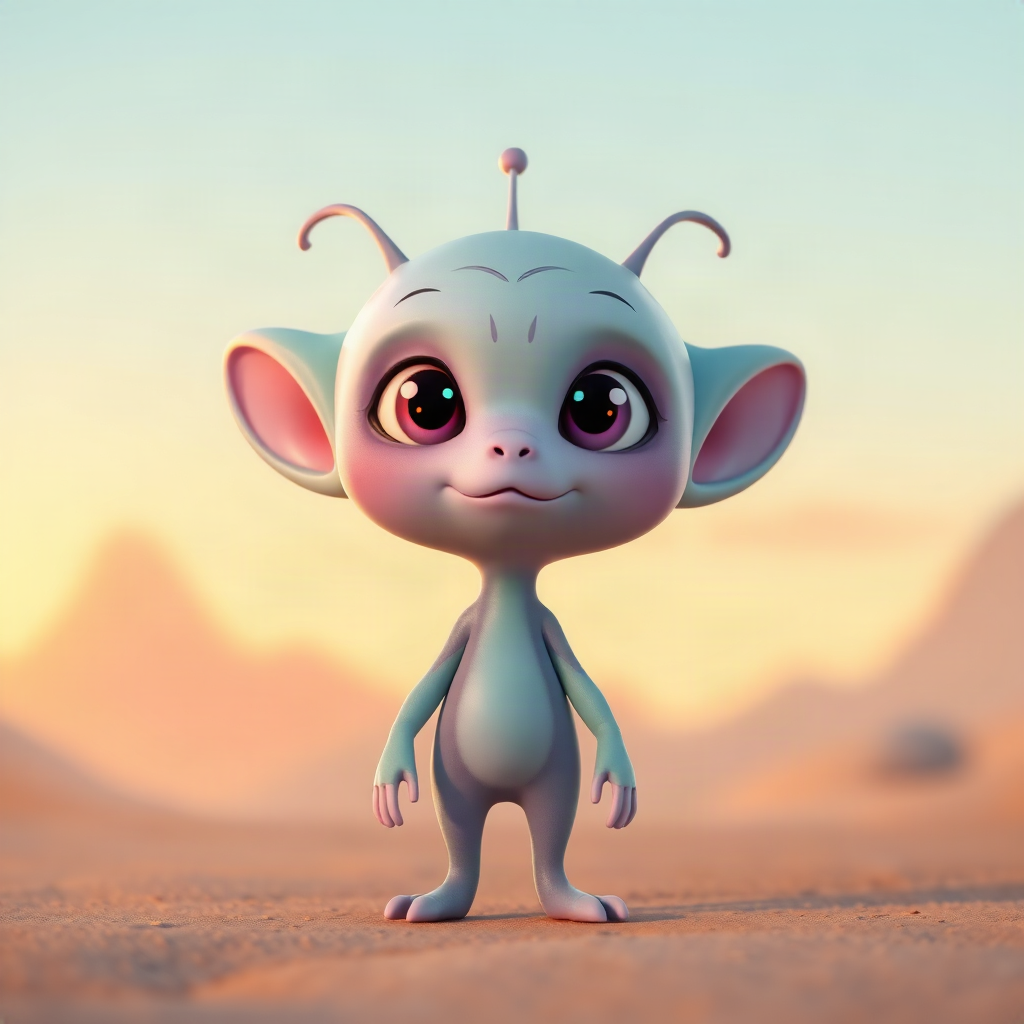
A text prompt in, a finished character out. No reference image.
Worth knowing
- Need a set? Switch to Batch and write one prompt per line (up to ten — or as many as your plan runs at once). Every line gets the same style and settings, and each one is charged — and refunded if it fails — on its own.
- Turn on transparent background for anything destined to sit on top of a scene — icons, props, characters.
- Keep the seed from a result you liked and change one word. That is how you build a matching set instead of four unrelated pictures.
Read next
Spritesheet Generator
Animate a single character image into a short clip, then auto-slice it into a transparent, multi-frame sprite sheet.
Restyle & Edit Image
Upload any image, then restyle or edit it with a prompt — change the art style (claymation, watercolour, pixel art…), add or remove objects, or tweak details.
Icon & Item Set Generator
Generate a set of matching, transparent-background game icons from one prompt — potions, weapons, resources, spells.