
Rig Lab
Load a T-pose or A-pose humanoid GLB and rig it right in your browser — it fits a skeleton to the mesh for you, you drag the joint markers to refine it, then it paints skin weights and previews idle / walk / run / wave before exporting a rigged GLB for Unity, Godot or Unreal. Runs client-side; free, no credits.
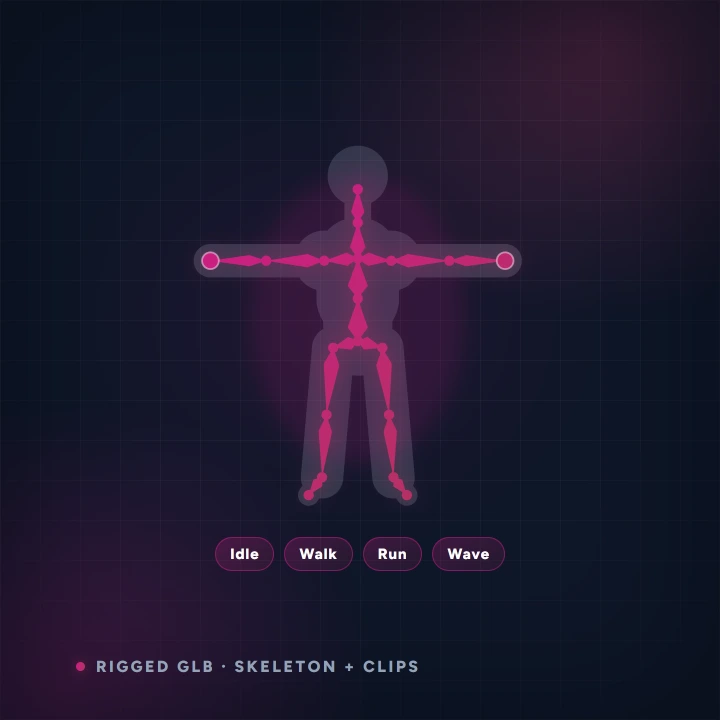
- Before you start
- A humanoid GLB in a T-pose or A-pose. Free — nothing is sent anywhere.
- What you end up with
- A rigged GLB you can drop into Unity, Godot or Unreal.
Step by step
-
Load a model
Pick one of your own generated models, open a local .glb, or use a demo model to try it out.
-
Fit the skeleton
It fits a skeleton automatically, then you drag the joint markers to line them up with the mesh. Turn on symmetry so you only have to do one side.
-
Check it moves
Switch to Preview and play idle, walk, run or wave. This is where you find a knee in the wrong place.
-
Export
Download the rigged GLB. Tick the bone-name prefix option if your engine or animation library expects that naming convention.
Worth knowing
- Completely free and unlimited — the whole thing runs on your machine.
- Getting the hips and shoulders right matters far more than the fingers. Spend your time there.
- A model that is not roughly T-posed will fight you. Regenerate it in a T-pose rather than dragging every joint.
Read next
Image to 3D
Upload a photo — plus a few optional extra angles of the same subject — and turn it into a game-ready 3D model, made inside AnnoMotion Skeleton so you can rig it, animate it and export it for Unity, Godot or Unreal in the same place.
Text to 3D
Describe your asset in a sentence and turn it into a game-ready 3D model — no reference image needed.
3D → Sprite Renderer
Turn a 3D model into a 2D sprite sheet — photographed from 4 or 8 directions around the model, at your chosen frame size, with an optional isometric pitch and transparent background.