
Vector Art
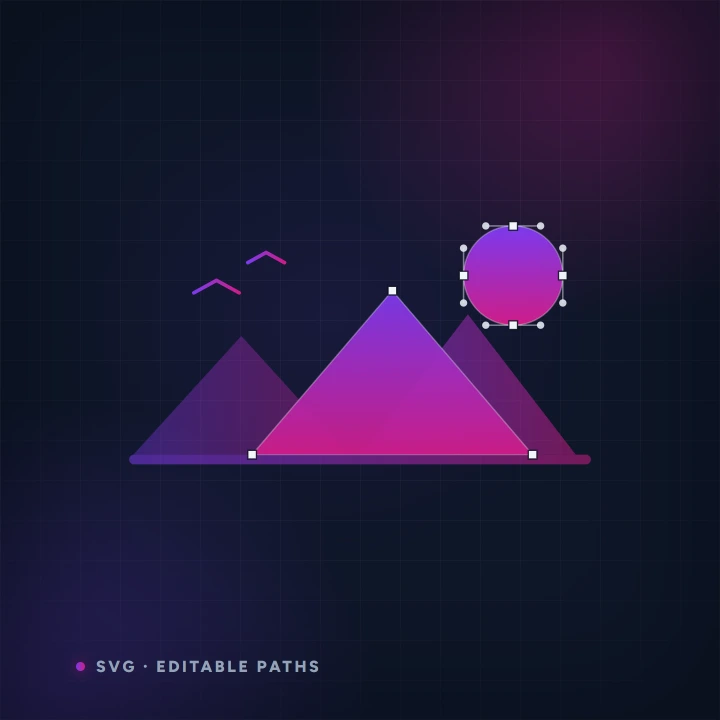
Turn a prompt into a true vector illustration — real paths and shapes, not a picture of them. Infinitely scalable, transparent by default, and editable in any vector tool. Pick a style and an aspect, then download the .svg. Powered by AnnoMotion AI.
- Before you start
- A description of the artwork.
- What you end up with
- A real .svg with editable paths.
Step by step
-
Describe the artwork
Flat, graphic subjects work best — emblems, symbols, simple characters. This is a vector illustrator, not a painter.
-
Style and shape
Pick a style and the aspect you need. Transparent background is on by default and removes the solid backdrop shape; switch it off to keep the backdrop for a full scene.
Worth knowing
- These are genuine paths, not a picture of paths — open the file in any vector editor and pull the points around.
- Ask for fewer colours than you think you want. Vector art reads better flat.
Read next
Image Generator
Generate images from a text prompt.
Spritesheet Generator
Animate a single character image into a short clip, then auto-slice it into a transparent, multi-frame sprite sheet.
Restyle & Edit Image
Upload any image, then restyle or edit it with a prompt — change the art style (claymation, watercolour, pixel art…), add or remove objects, or tweak details.