
Text to Motion
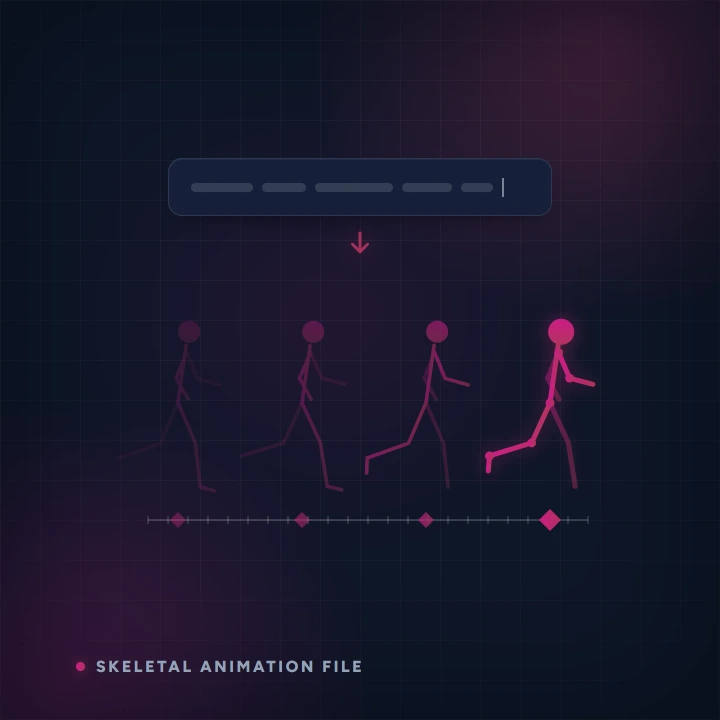
Describe a movement — a walk cycle, a jump, a wave — and get a skeletal animation you can drop onto your character. Exports an animation file ready for your engine or DCC. Powered by AnnoMotion AI.
- Before you start
- A sentence describing a movement.
- What you end up with
- A skeletal animation file for your engine or DCC tool.
Step by step
-
Describe the action
One movement — "a confident walk cycle", "a two-handed overhead swing". Describe the body, not the story.
-
Review and generate
Check the description, then run it. You can preview the motion before downloading.
Worth knowing
- This produces the animation, not the character. Retarget it onto your own rig in your engine.
- For a 2D game you probably want the Spritesheet Generator instead — it gives you frames rather than skeletal data.
Read next
Image to 3D
Upload a photo — plus a few optional extra angles of the same subject — and turn it into a game-ready 3D model, made inside AnnoMotion Skeleton so you can rig it, animate it and export it for Unity, Godot or Unreal in the same place.
Text to 3D
Describe your asset in a sentence and turn it into a game-ready 3D model — no reference image needed.
Rig Lab
Load a T-pose or A-pose humanoid GLB and rig it right in your browser — it fits a skeleton to the mesh for you, you drag the joint markers to refine it, then it paints skin weights and previews idle / walk / run / wave before exporting a rigged GLB for Unity, Godot or Unreal.