
Spritesheet Generator
Animate a single character image into a short clip, then auto-slice it into a transparent, multi-frame sprite sheet. Pick walk, idle, attack, jump or run.
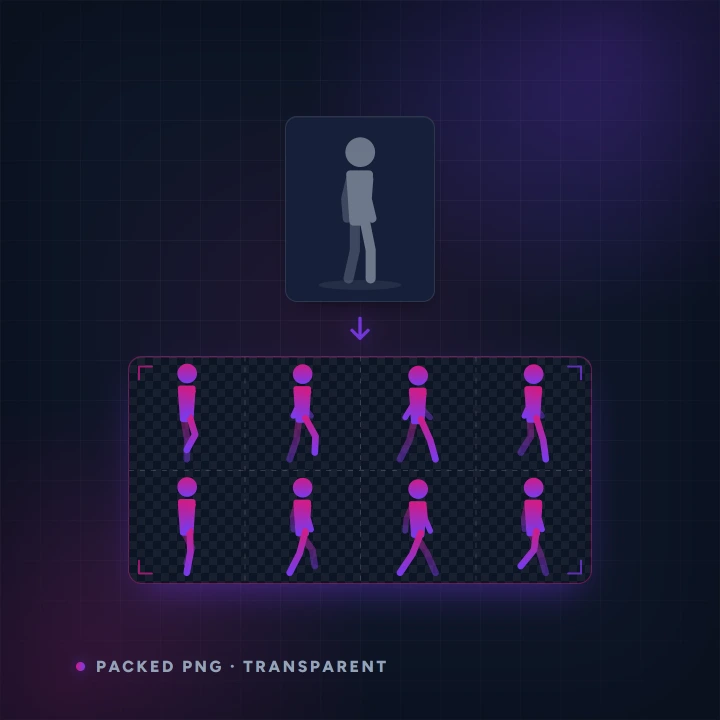
- Before you start
- One character image. Full body, neutral pose, plain background works best.
- What you end up with
- A transparent multi-frame sheet as a PNG, plus every frame separately in a zip.
Step by step
-
Upload your character
One still image. If you do not have one, make it in the Image Generator first and ask for a full body on a plain backdrop — that phrasing matters more than anything else here.
-
Pick the animation
Walk, idle, run, attack and jump are presets. Custom lets you describe the movement yourself. Choose the frame size your engine wants.
-
Choose the backdrop
Your character is animated against a coloured wall which is then cut away. Pick a colour your character is not wearing — that single choice decides whether the edges come out clean.
Made with this tool
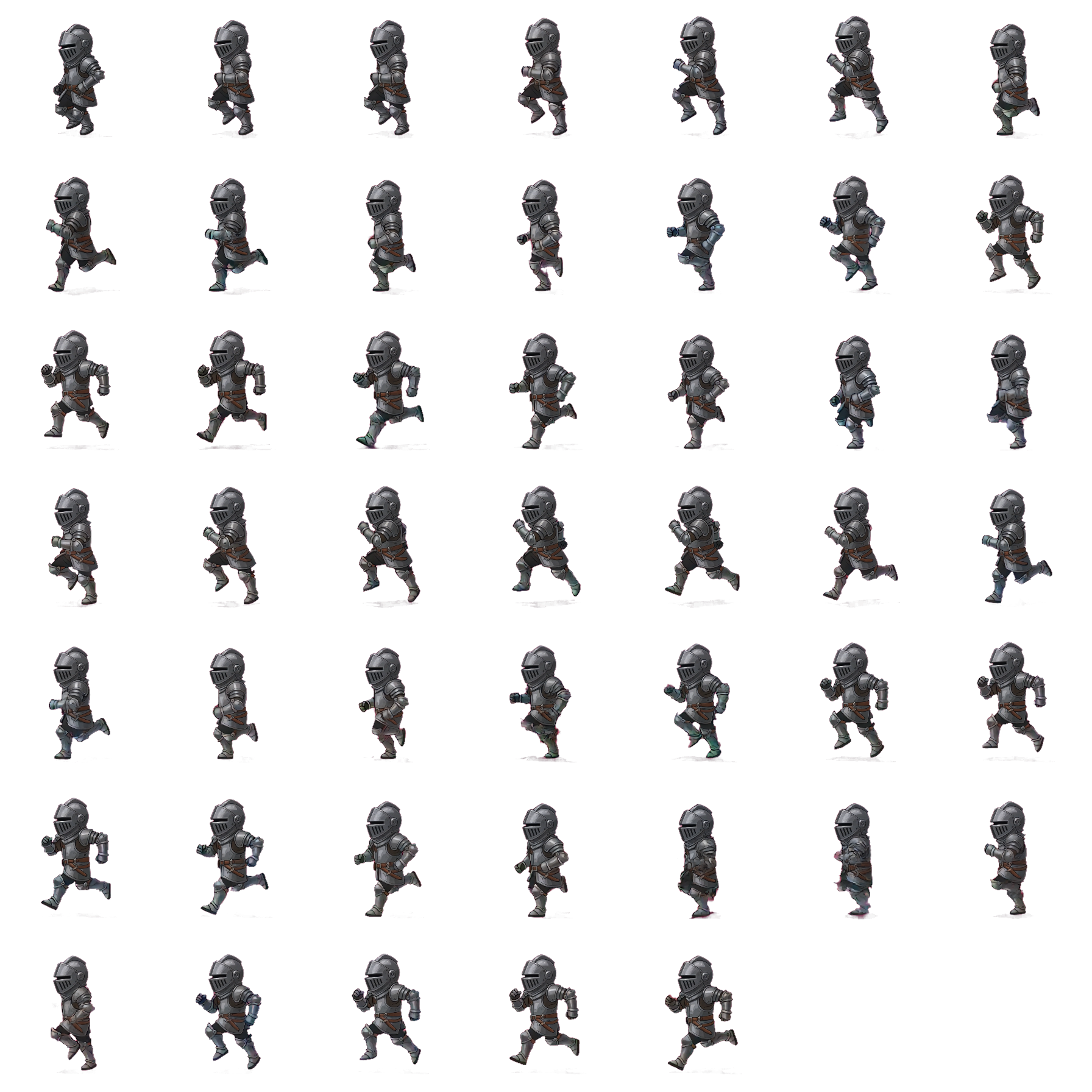
One still in, a full multi-frame sheet out, cut on transparency.

Worth knowing
- A busy or dark background on the source image is the most common cause of a poor sheet. Regenerate the source rather than fighting the sheet.
- Use the preview tiles to check the cut-out against a light and a dark wall before you export.
- The zip of individual frames is easier to import into most engines than the packed sheet.
Read next
Image Generator
Generate images from a text prompt.
Restyle & Edit Image
Upload any image, then restyle or edit it with a prompt — change the art style (claymation, watercolour, pixel art…), add or remove objects, or tweak details.
Icon & Item Set Generator
Generate a set of matching, transparent-background game icons from one prompt — potions, weapons, resources, spells.