
All guides
Terrain / Trim-Sheet Textures
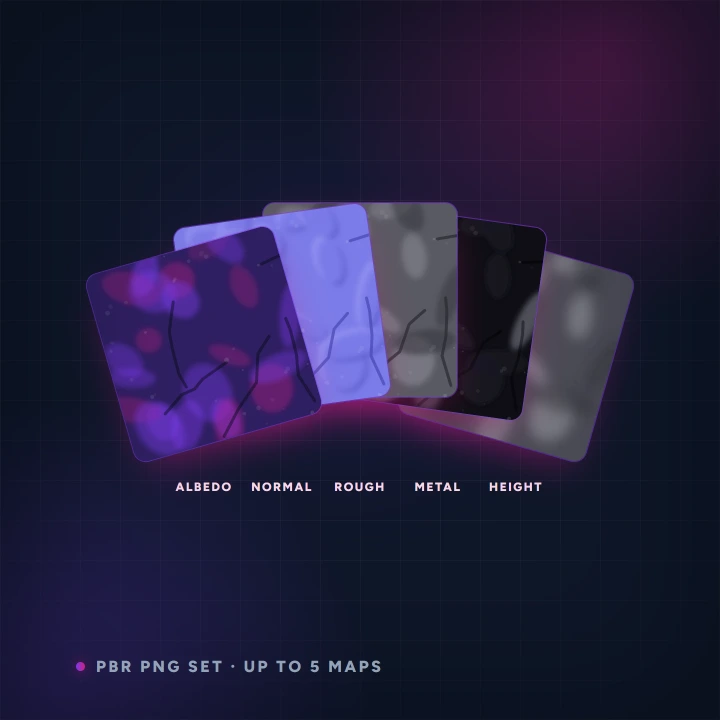
Generate a seamless terrain or trim-sheet texture, then extract up to five PBR maps from it — albedo, normal, roughness, metalness and height — ready to drop into a 3D material. Powered by AnnoMotion AI.
- Before you start
- A description of a material — "weathered granite with lichen".
- What you end up with
- The base texture plus up to five PBR maps: albedo, normal, roughness, metalness and height.
Step by step
-
Describe the material
Name the substance and its condition. Wear, damage and age read strongly in PBR.
-
Pick a look and generate
Two stages run back to back — the texture first, then the maps extracted from it — so this one takes longer than a plain image.
Worth knowing
- You may get fewer than five maps; a partial set still downloads. Metalness in particular is often not meaningful for a non-metal.
- Download all fires every map at once — your browser may ask permission for multiple downloads.
Read next
Image Generator
Generate images from a text prompt.
Spritesheet Generator
Animate a single character image into a short clip, then auto-slice it into a transparent, multi-frame sprite sheet.
Restyle & Edit Image
Upload any image, then restyle or edit it with a prompt — change the art style (claymation, watercolour, pixel art…), add or remove objects, or tweak details.